Available on the App Store
ATC Simulator Pro
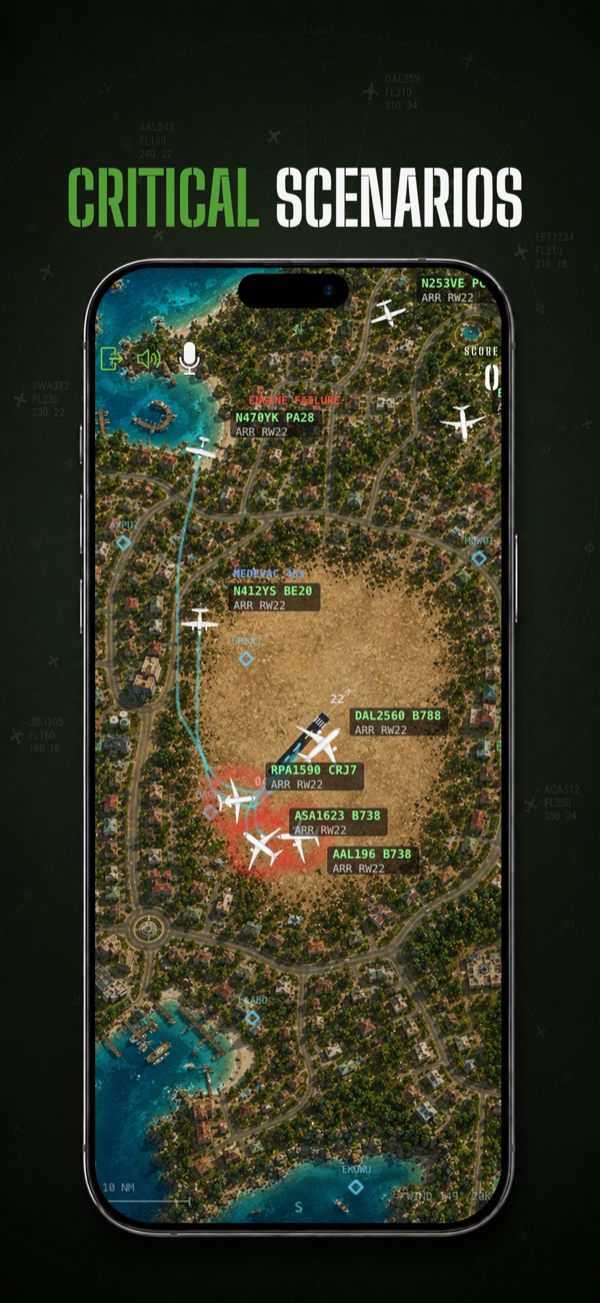
An air traffic control game for iPhone and iPad. Sequence arrivals and departures, work emergencies and medevac flights, and issue commands by tap, drag, or voice.
- Arcade and Realism modes
- Real speech-to-command voice control
- Dynamic weather and conflict detection
- Scoring built around every category of traffic
View product
Available on the App Store
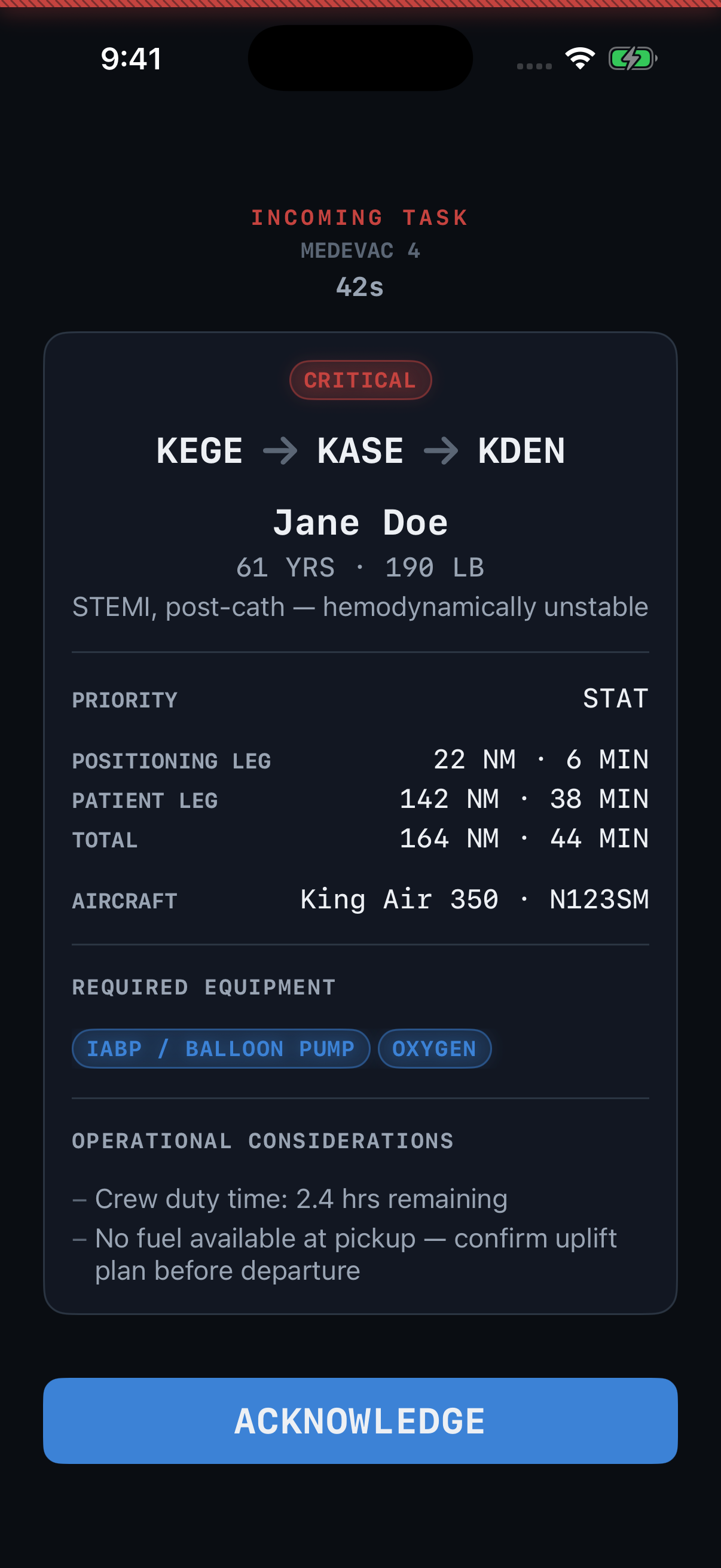
Special Mission Dispatch Pro
A medevac dispatch simulation for iPhone and iPad. Accept or decline a task under a real clock, fly the mission, and build a career Logbook over time.
- Realistic dispatch tasking and runway suitability
- Lock Screen and Dynamic Island paging
- A real career Logbook
- Independent of any flight simulator, works with all of them
View product